Concrete Block Calculator
Estimate blocks, mortar & material costs instantly
| Blocks | — |
| Mortar bags | — |
| Total Estimate | — |
Whether you’re building a backyard retaining wall, a new garage foundation, or a full home addition, one of the most frustrating mistakes you can make is running short on materials — or over-ordering and blowing your budget.
A concrete block calculator takes the guesswork completely out of the equation. I’ve used these tools on dozens of masonry projects, and I can tell you firsthand: getting your block count right before you ever swing a trowel saves you time, money, and a whole lot of stress.
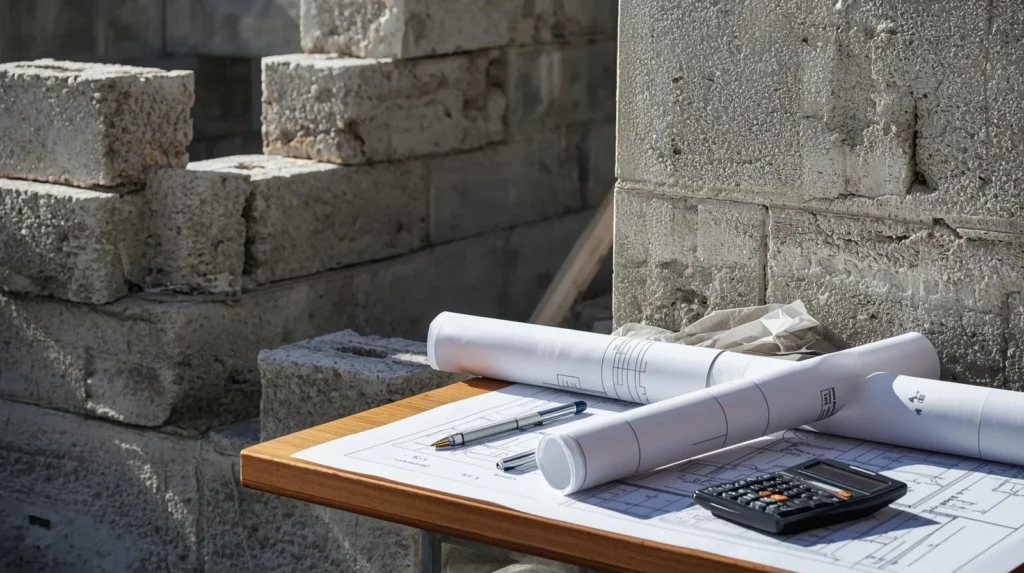
In this guide, I’m going to walk you through exactly how a concrete block calculator works, what numbers you need to feed into it, how to calculate mortar and costs alongside your block estimate, and which mistakes to avoid. By the time you’re done reading, you’ll be ready to estimate your next project with real confidence.
What Is a Concrete Block Calculator?
A concrete block calculator is an online or formula-based tool that estimates how many concrete masonry units (CMUs) you need for a given wall or structure. You enter your wall’s dimensions — usually the length, height, and the block size you’re using — and the calculator outputs the total number of blocks required, often with an added waste factor built in.
These calculators are used by homeowners tackling DIY projects, professional masons, general contractors, and construction estimators. They work for a wide range of projects including garden walls, basement walls, fire pits, retaining walls, privacy fences, and structural foundations.
The core math is simple: you’re essentially dividing the total square footage of your wall by the face area of a single block. But in practice, you also need to account for mortar joints, wall thickness, corners, waste, and sometimes reinforcement. A good concrete block estimator handles all of that for you automatically.
Standard Concrete Block Sizes You Should Know
Before you use any calculator, you need to know which block size you’re working with. The most common concrete block used in the United States is the standard 8x8x16 CMU — that’s 8 inches tall, 8 inches deep, and 16 inches long. However, there are several other sizes that show up on real job sites.
The 8x8x16 block is by far the most widely used for structural walls, foundations, and above-grade construction. Each block has a face area of about 0.89 square feet when you account for a standard 3/8-inch mortar joint, which brings the nominal face dimensions to 8 inches high by 16 inches wide.
The 4x8x16 block is a thinner option often used for partition walls or areas where a full 8-inch depth isn’t structurally needed. You’ll also encounter 6x8x16 blocks in applications where weight savings matter. For decorative or landscape use, 4x4x8 half blocks and split-face blocks are popular choices.
Knowing your block size upfront is critical because the calculator’s output will shift significantly depending on which size you choose. A wall that needs 200 standard 8×16 blocks might need 400 blocks if you’re using a smaller unit.
How to Use a Concrete Block Calculator Step by Step
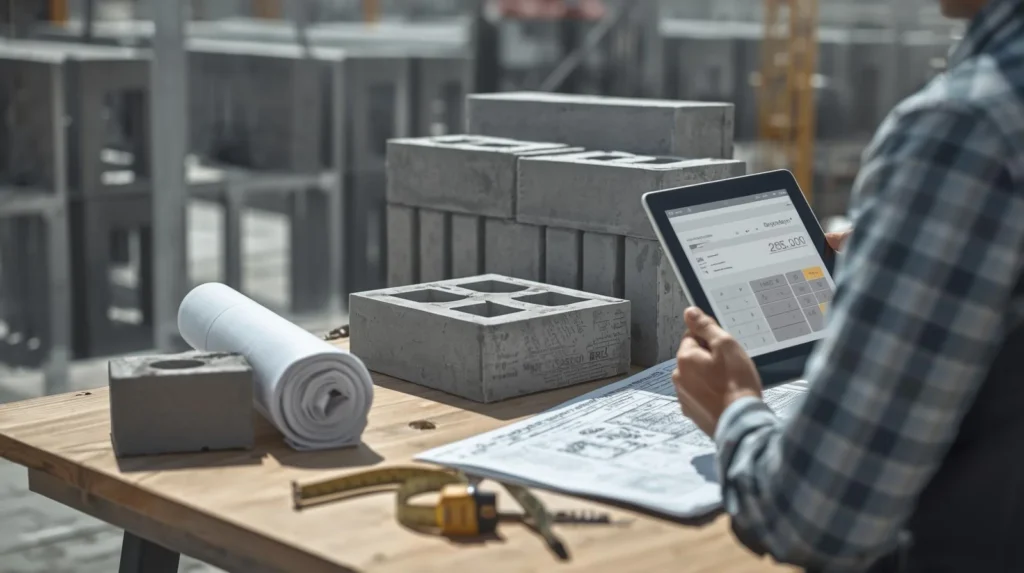
Using a concrete block calculator is straightforward, but you need to gather a few measurements first. Here’s how I walk through it every time.
Step 1: Measure Your Wall Dimensions
Measure the total length of your wall in feet and the height in feet. If you have multiple wall sections — say, a three-sided enclosure — measure each section separately, then add the lengths together for a combined total. Always measure to the outside face of the wall.
Step 2: Choose Your Block Size
Select the block size you plan to use. Most calculators default to the standard 8x8x16 CMU. If you’re using a different size, input those dimensions manually.
Step 3: Enter the Mortar Joint Thickness
The standard mortar joint in concrete block construction is 3/8 inch. Most calculators have this pre-set, but double-check. Some decorative projects use thicker joints up to 1/2 inch, which slightly reduces your block count per square foot.

Step 4: Add a Waste Factor
A good concrete block calculator will give you the option to add a waste percentage, typically between 5% and 10%. For a simple straight wall with no cuts, 5% is fine. For complex shapes with lots of corners, curves, window openings, or door openings, bump that up to 10%. On my own projects, I almost always go with 8% as a safe middle ground.
Step 5: Subtract Openings
If your wall includes windows, doors, or other openings, measure each opening (width x height) and subtract that area from your total wall area. Most online calculators include an “openings” section where you can enter multiple openings at once.
Step 6: Read Your Estimate
The calculator will give you a total block count. Write that number down, then add your waste factor if it wasn’t automatically included. That final number is what you’ll bring to the supply yard.
The Formula Behind the Calculator (So You Can Do It Yourself)
Even when I use an online tool, I like to understand what’s happening under the hood. Here’s the manual formula for a standard 8x8x16 block with 3/8-inch mortar joints.
Each block occupies a nominal face area of 0.667 square feet (8 inches x 16 inches = 128 square inches, divided by 144 = 0.889 sq ft — this accounts for the mortar joint).
Blocks needed = (Wall length in feet x Wall height in feet) ÷ 0.889
So for a wall that is 20 feet long and 6 feet tall:
- Total wall area = 20 x 6 = 120 square feet
- Blocks needed = 120 ÷ 0.889 = approximately 135 blocks
- Add 8% waste = 135 x 1.08 = approximately 146 blocks
Round up to the nearest full block — always. You never want to come up one block short on a project.
How to Calculate Mortar for Concrete Block Work
Blocks are only part of the material equation. Mortar is next. A commonly used rule of thumb in the masonry trade is that you’ll need roughly 3 bags of 60-pound mortar mix per 100 blocks for standard 8x8x16 CMUs, assuming 3/8-inch joints. Some masons use a slightly different ratio, but this holds true for most standard applications.
For pre-mixed mortar bags, here’s a quick reference:
- 100 blocks = approximately 3 bags of 60-lb mortar
- 200 blocks = approximately 6 bags
- 500 blocks = approximately 15 bags
If you’re mixing from scratch using Portland cement, lime, and sand, the standard Type S mortar mix ratio is 1 part Portland cement to 0.5 parts lime to 4.5 parts masonry sand. Type S is the go-to choice for below-grade or load-bearing applications. Type N is suitable for above-grade, non-load-bearing walls.
A reliable concrete block estimator will often include a mortar calculator as part of its output. If yours doesn’t, the numbers above will get you very close.
How to Estimate Concrete Block Project Costs
Block count is just the start. You’ll also need to budget for mortar, rebar, grout, delivery, and labor if you’re not doing it yourself. Here’s how I break it down.
Concrete Blocks: Standard 8x8x16 CMUs typically run between $1.50 and $3.00 per block at major building supply retailers like Home Depot or Lowe’s. Specialty blocks — split-face, colored, or architectural — can run $3.00 to $8.00 per block or more. Prices vary by region, so always check local pricing.
Mortar: A 60-pound bag of pre-mixed Type S mortar costs roughly $8 to $12. For 200 blocks, you’d need about 6 bags, putting your mortar cost at $50 to $75.
Rebar and Grout: Many structural applications require vertical and horizontal rebar with grout fill. Rebar costs around $0.50 to $1.00 per linear foot. Grout for filled cores adds another layer of material cost that your estimator should factor in separately.
Delivery: If you’re ordering bulk quantities — anything over about 100 blocks — factor in a delivery fee that can range from $50 to $200+ depending on distance.
Labor: Professional mason labor runs approximately $50 to $100 per hour in most US markets, or can be quoted per block at around $1.00 to $2.50 per block laid. DIYers can skip this cost but should budget extra time for the learning curve.
Concrete Block Wall Types and When the Calculator Differs
Not all block walls are built the same way, and your estimating approach needs to match the wall type you’re building.
Single-Wythe Walls use a single course of blocks laid end-to-end, creating a wall that’s 8 inches thick. This is the most common setup for residential projects, and the standard block calculator formula applies directly.
Double-Wythe Walls use two parallel rows of blocks, creating a thicker, more insulated wall. For these, you’ll double your block estimate and add the material between the two wythes, whether that’s insulation, mortar, or both.
Retaining Walls often step back with each course or use specially shaped retaining wall blocks. Standard CMU calculators may not apply here — many retaining wall systems have their own proprietary calculators based on the specific block system being used.
Reinforced Block Walls require you to calculate rebar spacing and grout fill for the hollow cores in addition to block count. For any wall over 4 feet tall or any load-bearing application, always consult local building codes for reinforcement requirements.
Common Mistakes People Make When Estimating Concrete Blocks
After working with masonry estimates for years, these are the mistakes I see come up again and again — and they’re all easily avoidable.
Forgetting the waste factor is the most common error. People calculate exactly what they need and order exactly that. Then a block cracks during cutting, or one arrives broken off the pallet, and suddenly the project grinds to a halt. Always add at least 5%.
Using nominal vs. actual dimensions incorrectly trips up a lot of first-timers. An 8x8x16 block is actually 7-5/8 inches x 7-5/8 inches x 15-5/8 inches in actual dimensions. The nominal size includes the mortar joint. Calculators that ask for the block type automatically handle this — but if you’re entering custom dimensions, make sure you’re using the nominal size.
Not accounting for corners is another oversight. Corner blocks take up space on two walls simultaneously. For every inside or outside corner in your wall layout, you’ll need to adjust your block count slightly, or simply make sure your waste factor covers it.
Ignoring door and window openings inflates your estimate significantly on projects with multiple penetrations. Always subtract those openings before you finalize your order.
Best Free Concrete Block Calculators Available Online
Several reputable tools are available for free. The Calculator.net masonry calculator is user-friendly and handles standard block sizes with mortar and waste. Inch Calculator offers a solid concrete block calculator with the option to input custom block sizes. Omni Calculator provides a detailed CMU estimator that includes cost estimation features alongside block count.
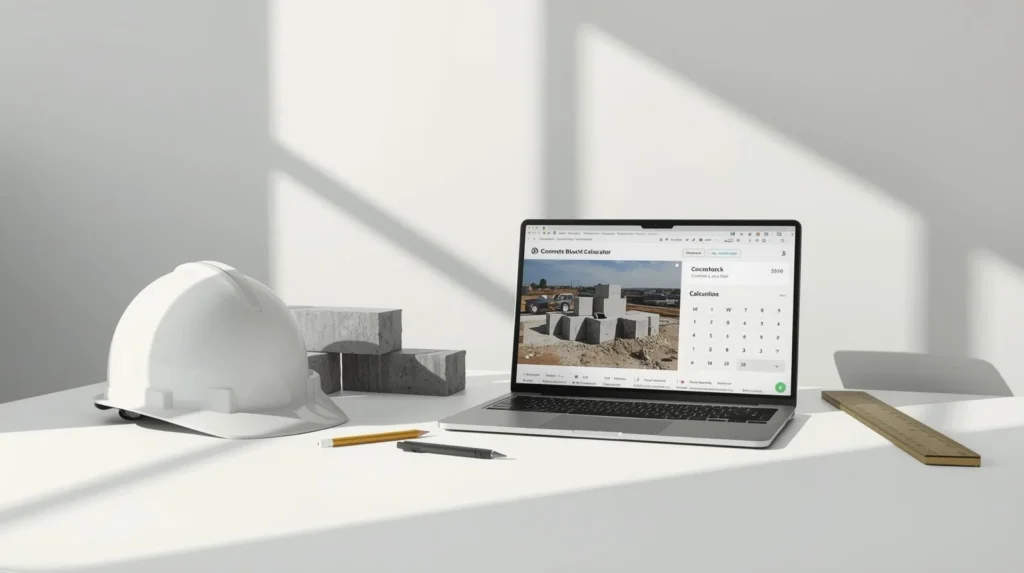
For professionals or anyone doing repeat projects, building a custom spreadsheet with the formula above can be even more useful — you can save templates for your most common block sizes and wall configurations, and run estimates in seconds without loading a browser tool.
FAQs About Concrete Block Calculators
How many concrete blocks do I need for a 100-square-foot wall?
Using standard 8x8x16 CMUs with 3/8-inch mortar joints, you’ll need approximately 113 blocks for a 100-square-foot wall. Add a 5–10% waste factor to bring your order to about 118–124 blocks.
What is the standard size of a concrete block in the US?
The most common concrete block size in the United States is the 8x8x16 CMU (8 inches tall, 8 inches wide/deep, 16 inches long in nominal dimensions). The actual dimensions are slightly smaller to account for mortar joints.
How do I calculate mortar for concrete blocks?
A reliable rule of thumb is approximately 3 bags of 60-pound mortar mix per 100 standard concrete blocks. For a large wall, divide your total block count by 100 and multiply by 3 to get the number of mortar bags needed.
Do I need a permit to build a concrete block wall?
In most US jurisdictions, any concrete block wall over a certain height — commonly 3 to 4 feet — requires a building permit. Retaining walls and structural walls almost always require permits and inspections. Always check with your local building department before starting.
Can I use a concrete block calculator for retaining walls?
Standard CMU calculators work for straight retaining walls using standard concrete blocks. However, if you’re using a proprietary retaining wall block system like Allan Block or Versa-Lok, those brands have their own calculators based on their specific block geometry.
How much does it cost to build a concrete block wall per square foot?
Material costs for a standard concrete block wall typically run between $3 and $6 per square foot when you factor in blocks, mortar, and basic reinforcement. With professional labor, installed costs generally range from $10 to $20 per square foot or more depending on complexity and location.
What is a CMU in construction?
CMU stands for Concrete Masonry Unit. It’s the technical term for what most people call a “cinder block” or concrete block. CMUs are hollow or solid precast blocks made from Portland cement, aggregate, and water, and they’re one of the most widely used building materials in residential and commercial construction.
How many courses of blocks are in an 8-foot wall?
Using standard 8x8x16 blocks with 3/8-inch mortar joints, each course is nominally 8 inches tall. An 8-foot (96-inch) wall would require 12 courses of block.
Final Thoughts: Get Your Estimate Right the First Time
Using a concrete block calculator is one of the simplest ways to set yourself up for a successful masonry project. Whether you’re a homeowner building your first garden wall or a seasoned contractor pricing a commercial job, running your numbers through a solid estimator before you place your material order is always worth the five minutes it takes.
The key things to remember: always use nominal block dimensions, include a waste factor of at least 5%, subtract your openings, and don’t forget to estimate mortar and grout alongside your block count. Do that, and you’ll walk into the lumber yard — or send your supply order — with real confidence behind the numbers.
Projects built on accurate estimates run smoother, cost less, and finish on time. And honestly, that’s the whole point.